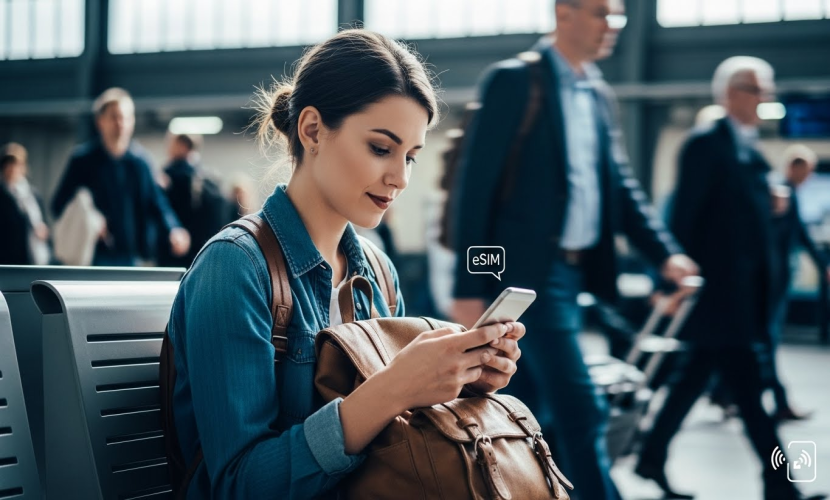
How to Use eSIM When Traveling Abroad
How to Use eSIM When Traveling Abroad
Using an eSIM when traveling abroad is one of the easiest ways to stay connected without dealing with physical SIM cards or expensive roaming fees. With an eSIM, you can activate mobile data digitally and switch networks in minutes.
This guide explains how to use an eSIM abroad, from preparation to activation and daily use.
What Is an eSIM and Why It’s Ideal for Travel
An eSIM (embedded SIM) is built directly into your smartphone and can be activated digitally using a QR code or app. You don’t need to insert or replace a physical SIM card.
For travelers, this means:
- No SIM swapping at the airport
- No risk of losing your home SIM
- Instant access to local or regional data plans
Before You Travel: What to Check
Before leaving your country, make sure that:
- Your smartphone supports eSIM
- Your device is unlocked
- You have a stable Wi-Fi connection for installation
- You received your eSIM QR code or activation details
It’s recommended to install the eSIM before your trip, even if activation starts later.
How to Install an eSIM Before Departure
- Open your phone’s Settings
- Go to Cellular / Mobile Network
- Select Add eSIM or Add Mobile Plan
- Scan the QR code provided by your eSIM provider
- Complete the setup and label the eSIM (e.g. “Travel eSIM”)
Do not delete the eSIM after installation.
Activating the eSIM Abroad
Depending on the plan, activation may occur:
- Immediately after installation, or
- Automatically once you arrive at your destination
After landing:
- Turn on the eSIM line
- Set it as your primary mobile data line
- Enable Data Roaming if required
Using Dual SIM While Traveling
Most modern smartphones allow you to use your physical SIM and eSIM at the same time.
This lets you:
- Keep your home number active for calls and SMS
- Use the eSIM for mobile data only
This setup avoids roaming charges while keeping you reachable.
Managing Data Usage Abroad
To avoid running out of data:
- Monitor data usage in your phone settings
- Disable background app refresh if needed
- Avoid large downloads on mobile data
- Use Wi-Fi when available
Common Mistakes to Avoid
- Deleting the eSIM before the trip
- Forgetting to enable data roaming
- Scanning the QR code more than once
- Trying to install the eSIM without Wi-Fi
What Happens After Your Trip?
After returning home, you can:
- Turn off the travel eSIM
- Remove it if you no longer need it
- Keep it stored for future trips if still valid
Final Tips for Traveling with eSIM
- Install early, activate when needed
- Keep your QR code until activation is confirmed
- Restart your phone if the network doesn’t connect immediately
With an eSIM, staying connected abroad is faster, safer, and more convenient than ever.
Tags
eSIM travel, eSIM abroad, international eSIM, mobile data travel, roaming alternative, digital SIM, travel connectivity
Which Devices Support eSIM in 2025
07 Jul 2025
eSIM vs. Physical SIM: Which Is Better
19 Apr 2025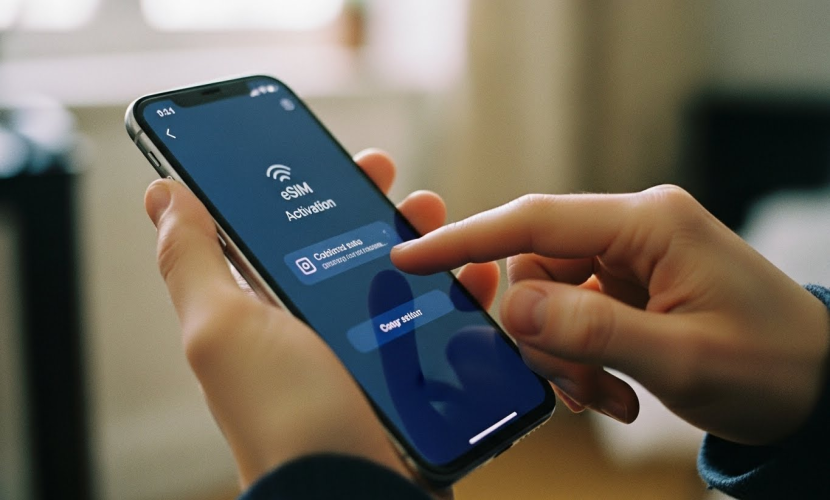
How to Set Up an eSIM on Your Smartphone
16 Apr 2025